One title. Three big ideas.
Give it your title, a few notes, a photo or a video. An AI creative director researches your niche and plans three different angles.
Great videos get skipped because of weak thumbnails. ViralThumbnail turns your video, photos or idea into three scroll-stopping YouTube thumbnails in about two minutes. No design degree required.
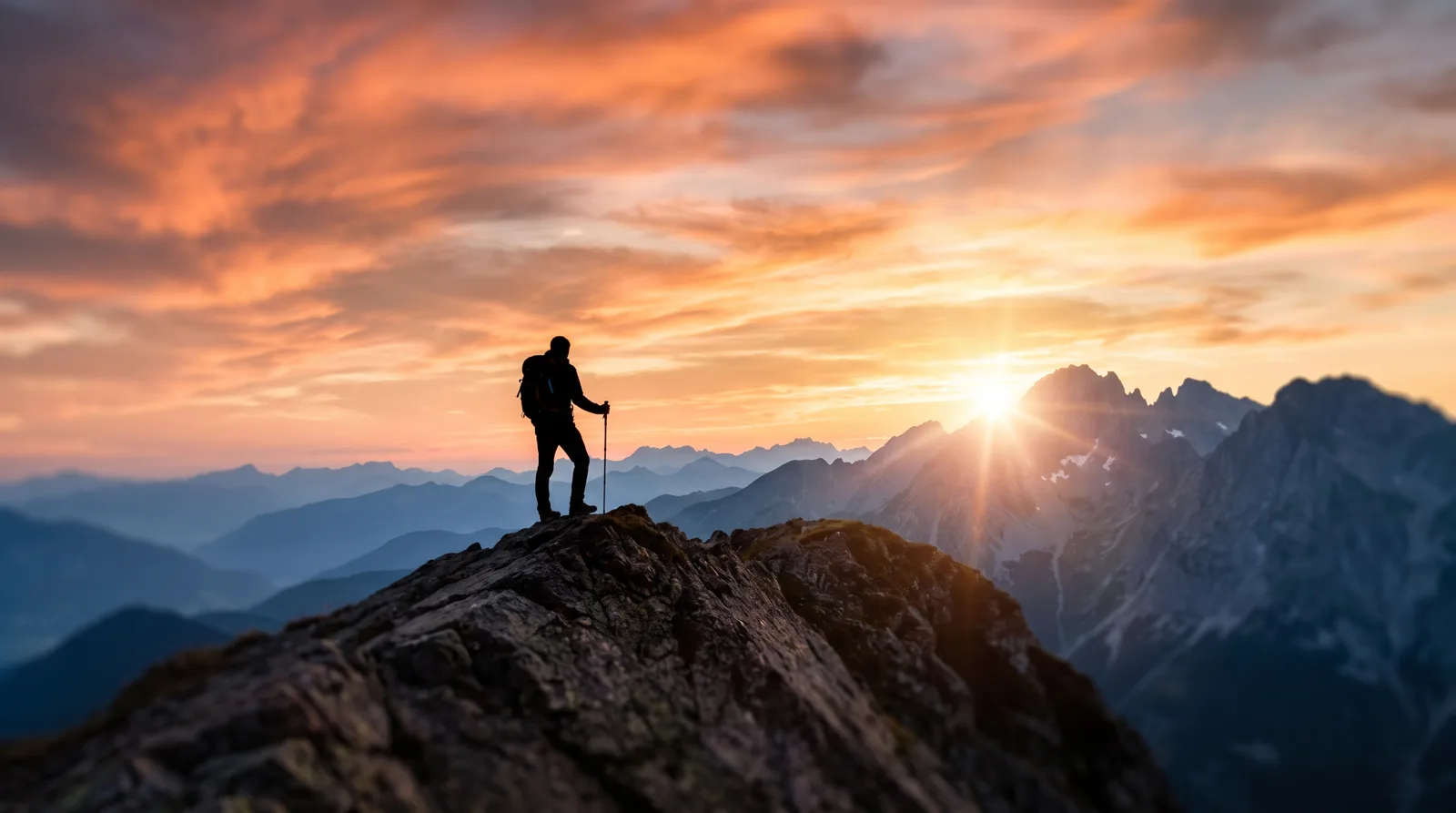 Option A · Travel
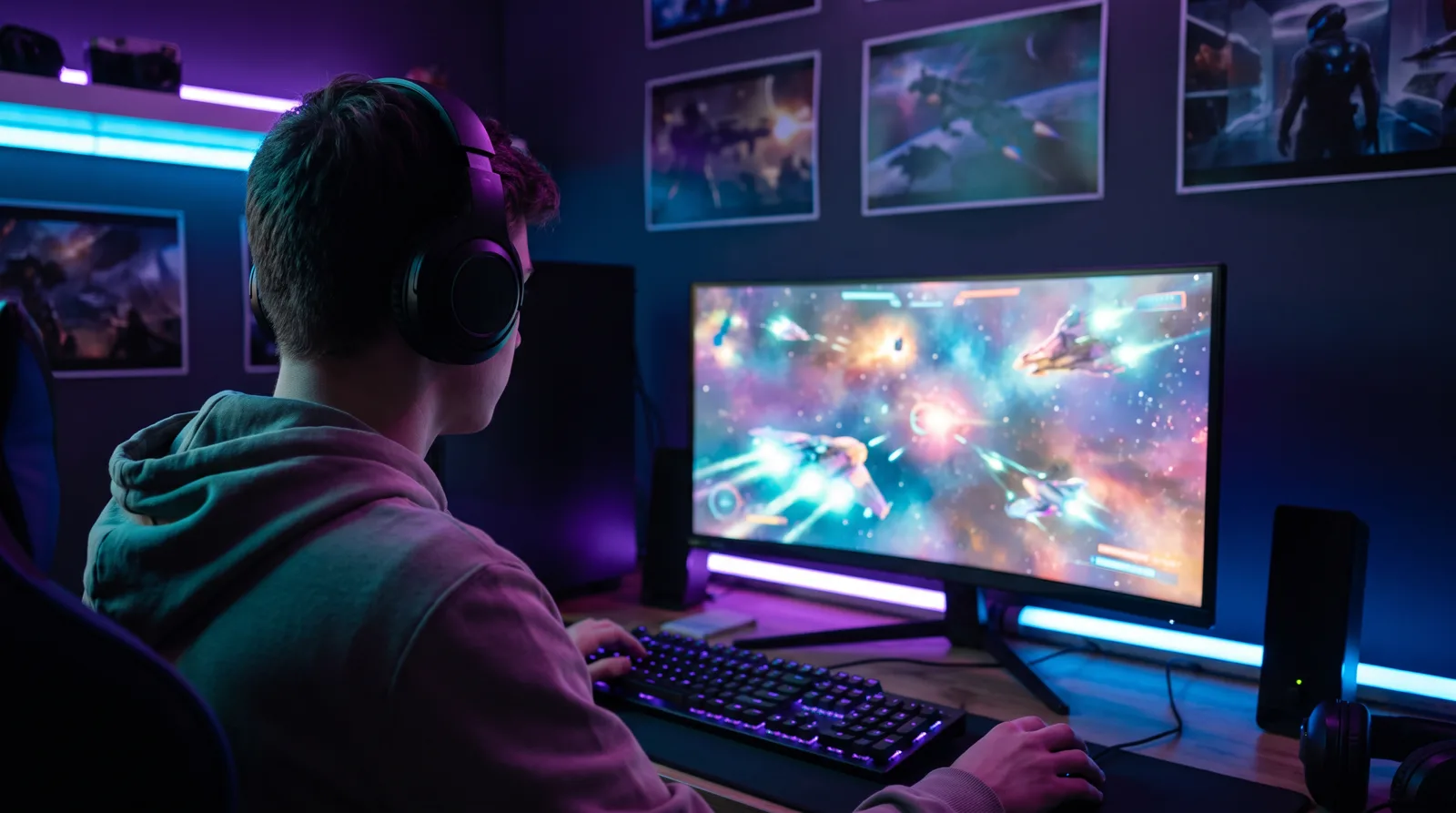 Option B · Gaming
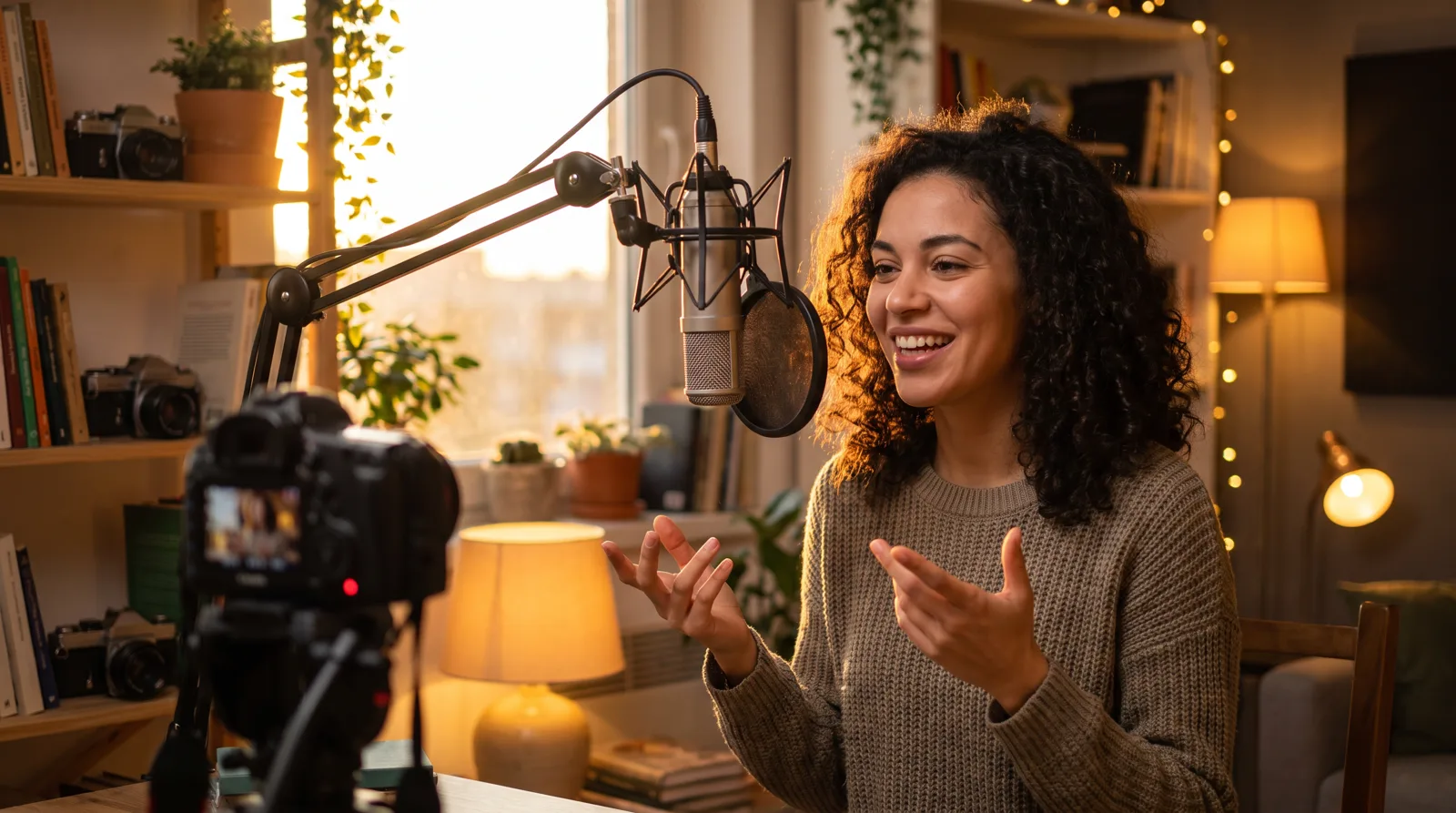 Option C · Podcast
On the home feed, the thumbnail wins the click before anyone reads your title.
An auto-picked still with no hook blends in next to channels that design every thumbnail.
Hours in an editor per upload is time you're not spending on the next video.
A bold hook, your face, and a headline you can read at phone size. Three options, ready to publish.
Everything you need to make thumbnails that look intentional, feel authentic, and earn the next view.
Give it your title, a few notes, a photo or a video. An AI creative director researches your niche and plans three different angles.
Bold hooks, strong contrast and clear hierarchy, with every headline checked at phone size.
Add photos of you and stay recognizable in every option. Reviewing a product or a place? It becomes the hero instead.
Get three variations, retype the headline, switch between 3 classic fonts, or ask for changes in plain English. Then pick the one that feels unmistakably you.
Use the web app, or the Chrome extension right inside YouTube Studio while you finish your upload.
Pick a video in YouTube Studio and the extension grabs the best frames. Or add a title plus photos of you, your product or a screenshot.
Review the hooks, formats, styles and fonts the AI planned. Tweak anything, then hit Generate.
Compare them in a feed preview, refine in plain words, and send your favorite straight to YouTube.
Watch a skipped video become the one that gets tapped.
1 credit = 1 AI thumbnail. Planning concepts and changing the headline, font or size are always free.
Prices in USD. Secure payment by Stripe. Failed or blocked images are refunded automatically.
No. Give it your video or an image (or just a title) and choose from three finished thumbnails. Changes are made by typing what you want.
No. Add photos of you to star in the thumbnail, add an image of your product, place or screen to feature that instead, or add nothing for a faceless design.
Yes, for free. Retype the words, switch fonts, or make them bigger or smaller. Bigger edits like “brighter background” cost 1 credit.
With the Chrome extension, press “Use in YouTube” and the thumbnail goes into the upload form in YouTube Studio. You can also download the JPG. YouTube only allows custom thumbnails on verified channels.
Yes. Everything you create is tied to your account and only visible to you.
Sign in with Google and get a free thumbnail: the AI plans three concepts, and you turn your favorite into a finished thumbnail. No credit card, no complicated setup.
Get started free